Blog & Guides

Learn image editing tips, tutorials, and best practices. Master the art of image compression, conversion, and optimization with our expert guides.

Image Compression

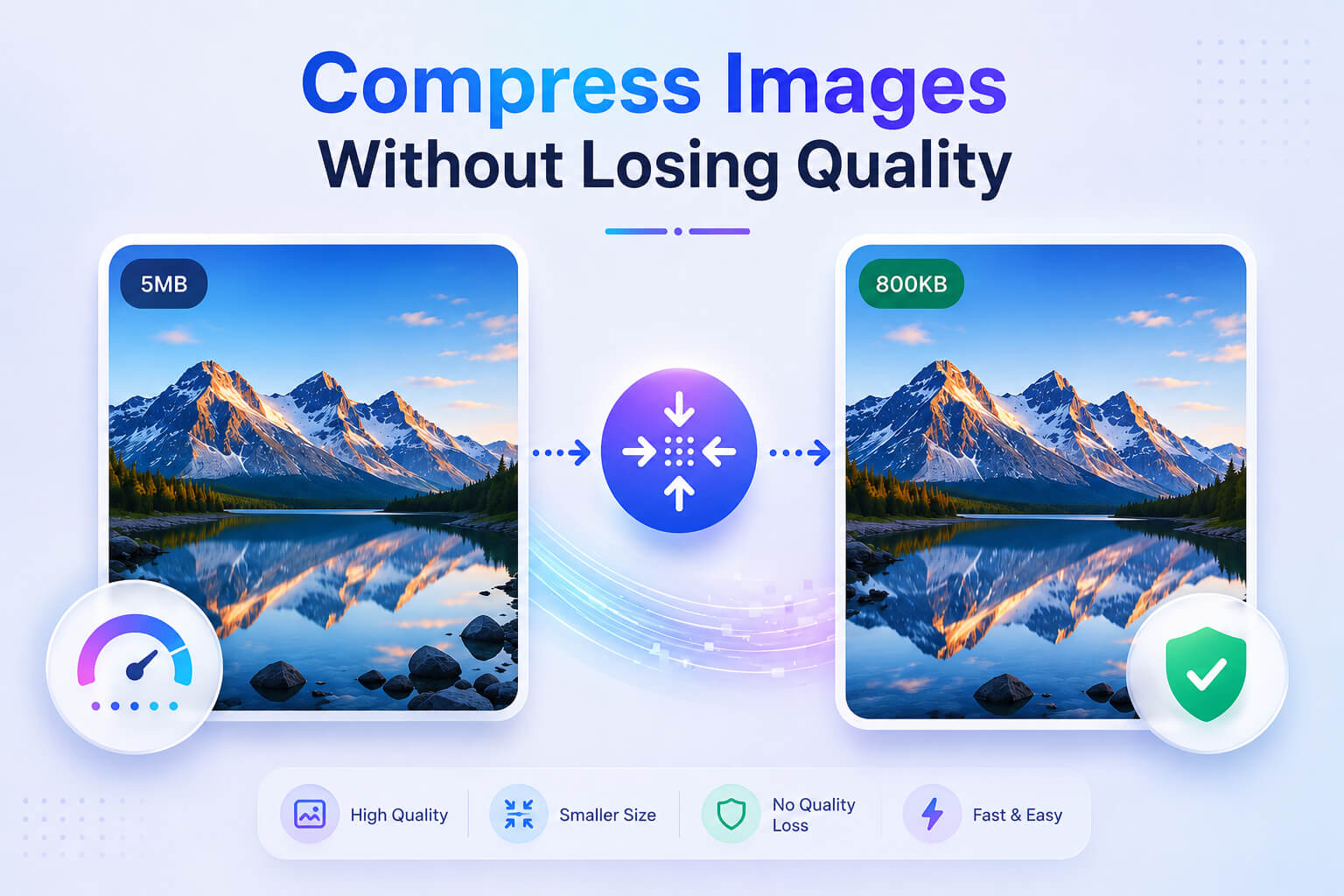
How to Compress Images Without Losing Quality: Complete Guide

Learn the best techniques to reduce image file size while maintaining visual quality. Perfect for web optimization, email attachments, and faster loading times.

January 5, 20268 min read
Read More
Image Formats

Best Image Formats for Web: JPEG vs PNG vs WebP Compared

Understand the differences between JPEG, PNG, WebP, and AVIF formats. Learn which format to use for photos, graphics, logos, and transparent images.

January 3, 202610 min read
Read More
Social Media

Image Sizes for Social Media 2026: Complete Size Guide

The ultimate guide to image dimensions for Facebook, Instagram, Twitter, LinkedIn, Pinterest, and YouTube. Always use the right size for maximum engagement.

December 28, 202512 min read
Read More
Web Optimization

How to Optimize Images for Website Speed and SEO

Speed up your website by optimizing images. Learn compression techniques, lazy loading, responsive images, and best practices for faster page loads.

December 22, 20259 min read
Read More
Format Conversion

How to Convert HEIC to JPG: Easy Guide for iPhone Photos

Learn how to convert iPhone HEIC photos to JPG format easily. Understand what HEIC is, why iPhones use it, and the best ways to convert for compatibility.

December 18, 20256 min read
Read More
Photo Editing

How to Create Passport Photos at Home: DIY Guide

Save money by making passport photos at home. Learn requirements, dimensions, background rules, and tips for perfect passport and visa photos.

December 15, 20257 min read
Read More

Image Editing Tips & Tricks

Quick Image Optimization Tips

  • Use JPEG for photographs and images with many colors
  • Use PNG for graphics, logos, and images with transparency
  • Use WebP for modern browsers - best compression and quality
  • Always resize images to the actual display size needed
  • Compress images before uploading to websites

Common Image Size Guidelines

  • Website images: Keep under 200KB for fast loading
  • Email attachments: Compress to under 1MB total
  • Social media posts: Follow platform-specific dimensions
  • Profile pictures: Usually 400x400 to 800x800 pixels
  • Thumbnails: 150x150 to 300x300 pixels

Ready to Edit Your Images?

Put your knowledge into practice with our free online image editing tools. No registration required, works directly in your browser.

Try Our Free Tools